

Description
Product Description
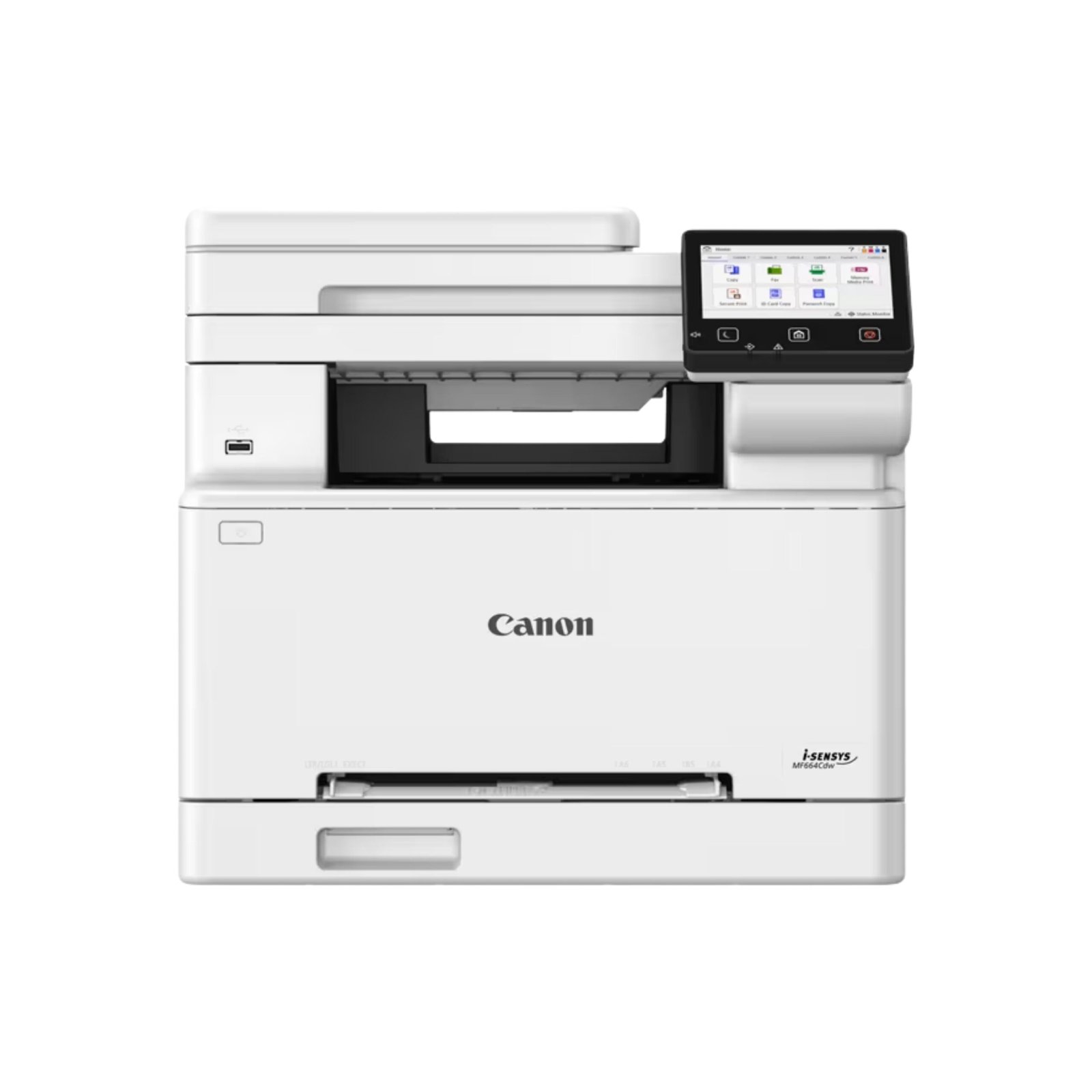
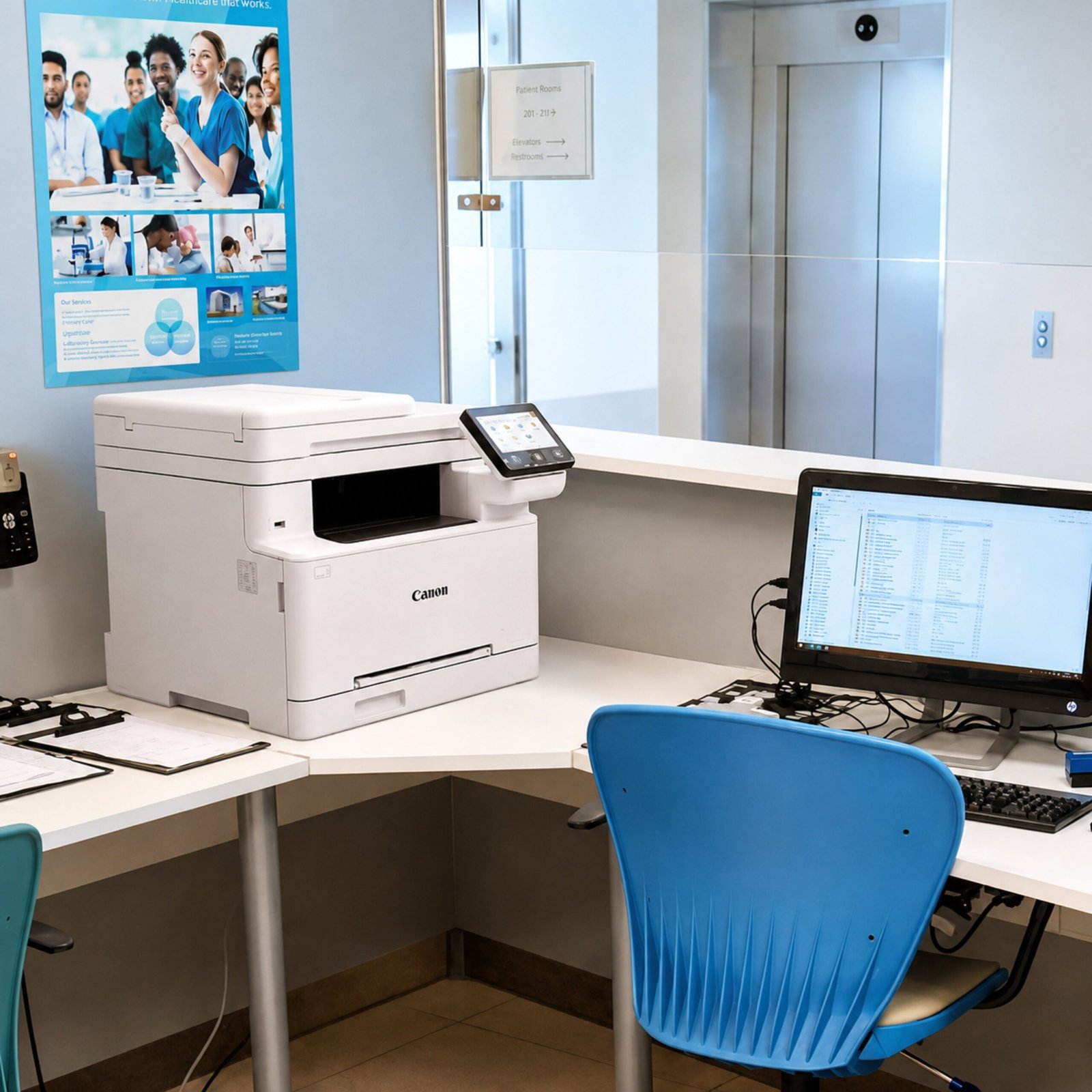
Durable A4 color multi-function (Print, Scan, Copy) printer , produce high-quality color results, and print and scan from your phone
- High Print Quality at an Affordable Price
- Suitable for Home and Small Office Use.
- Designed to fit your Workspace
- Easy mobile printing and scanning with the Canon PRINT Business App
Product Features / Specifications
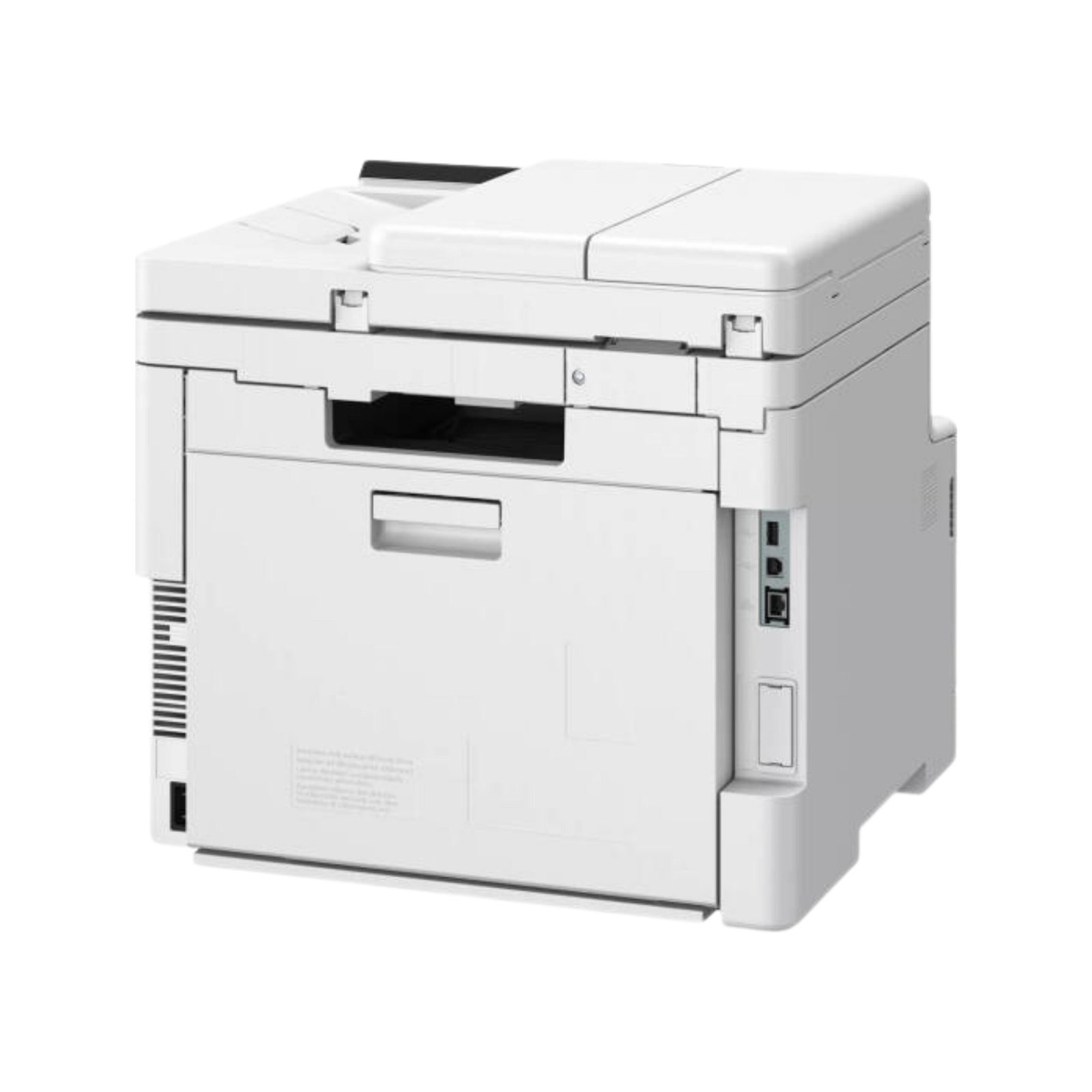
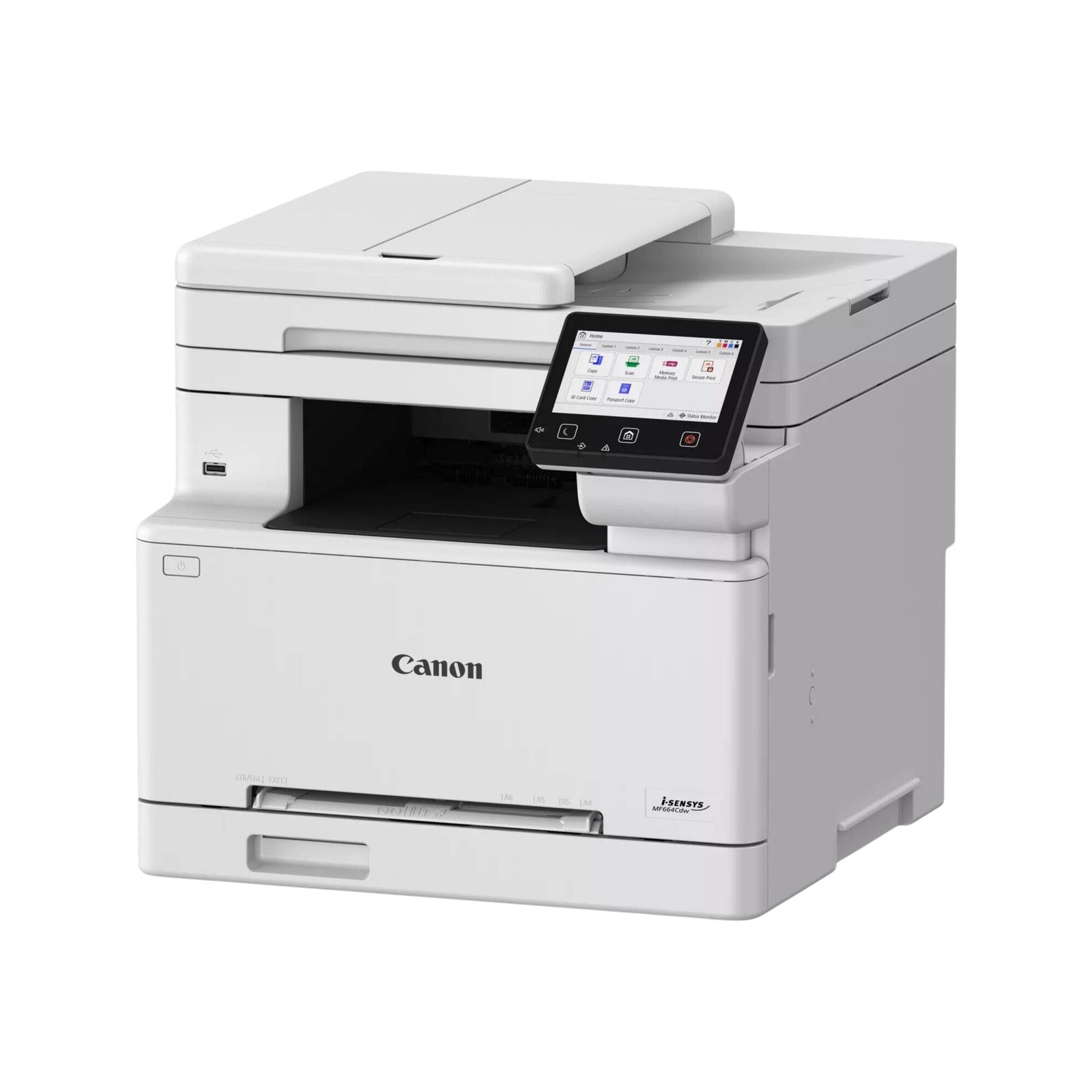
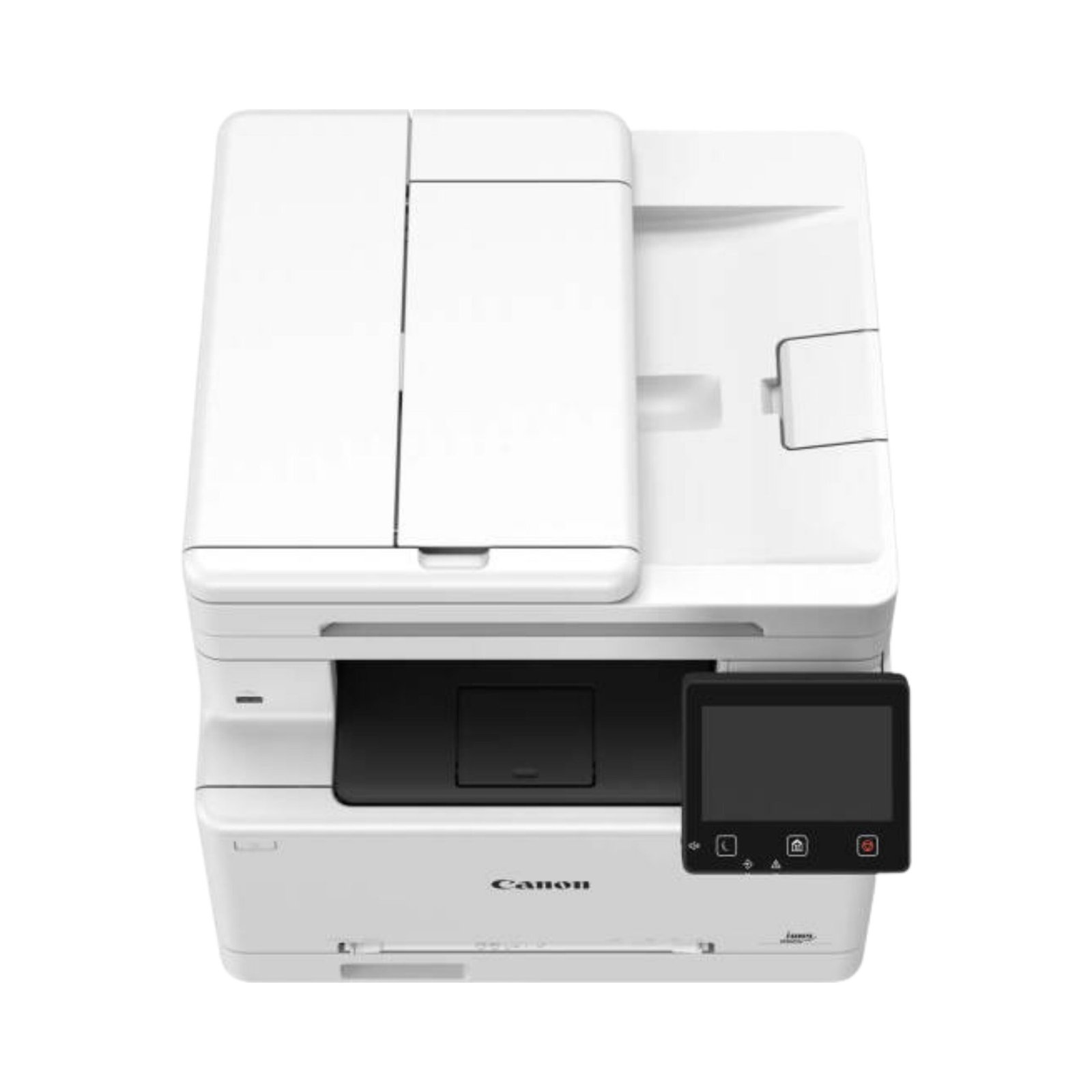
Canon i-SENSYS MF664Cdw Multifunctional Color Laser Printer
Functions: Print, Scan, Copy
Printing Method: Color laser beam printing
Print Speed: Up to 25 ppm (Single-Sided A4), Up to 15 ipm (Double-Sided A4)
Print Resolution: Up to 1200 x 1200 dpi
Display: 12.7 cm LCD Colour Touch Screen
Duplex printing: Auto 2-sided (Duplex) printing
Document Feeder: 50-sheet Auto Document Feeder (ADF)
Connectivity: USB, Wi-Fi, Wi-Fi Direct, Ethernet
Mobile Printing Capability: Canon PRINT Business App, Apple AirPrint™; Mopria™ Certified
Compatible Operating Systems: Windows, macOS, and Linux
Paper Input Tray: 251 sheets
Paper sizes supported: A4, A5, A6, B5
Recommended monthly page volume: 250 to 2500
Scanner type: Flatbed & ADF
Scan Speed: Mono: 40ipm (300x600dpi), Color: 20ipm (300x600dpi)
Scan file format: PDF, JPG, TIFF
Scan Resolution: Optical: Up to 600 x 600 dpi, Enhanced: Up to 9600 x 9600 dpi
Copy Speed: Single sided (A4): Up to 25 ppm, Double sided (A4): Up to 15 ipm
Copy Resolution: Up to 600 x 600 dpi
Print Cartridges: 4 (1 each black, cyan, magenta, yellow)
Replacement cartridges:
Canon 075 Black (1400 Pages)
Canon 075 Cyan, Yellow, Magenta (1300 Pages)
Canon 075H Black (3500 Pages)
Canon 075H Cyan, Yellow, Magenta (2500 Pages)
Maximum dimensions: (W x D x H): 425 mm x 461 mm x 397 mm
Weight: 20.8 kg
Power Source: 220-240V(±10%) 50/60Hz (±2Hz)
What’s in the box: Canon i-SENSYS MF664Cdw Multifunctional Color Laser Printer; Power cord; 4 Starter Toner cartridges (black, cyan, magenta, yellow); In-box documentation Setup guide; Internet connection is required to set up the printer

Reviews
There are no reviews yet.